
In this chapter, we will study about menus present in the Help Menu in Joomla. Click on Help, a dropdown menu as shown below will be displayed −
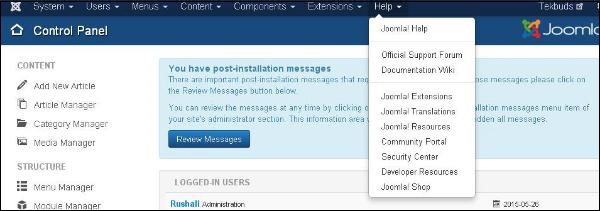
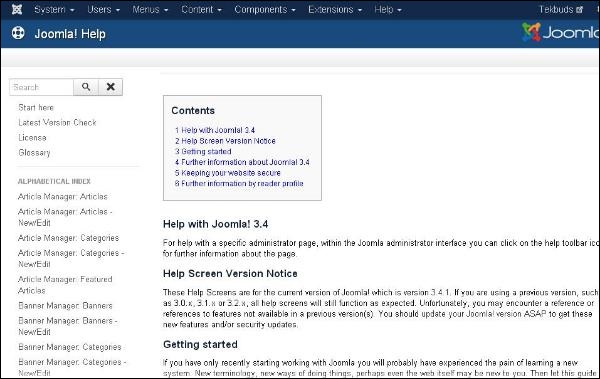
Click Help → Joomla Help, a screen as shown below will get displayed.
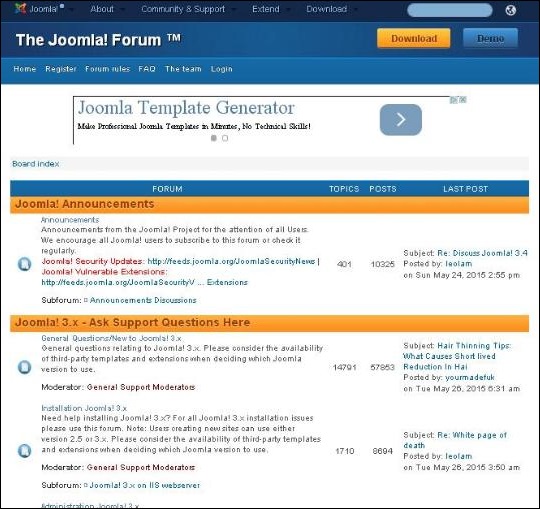
Click Help → Official Support Forum, a screen as shown below will get displayed.
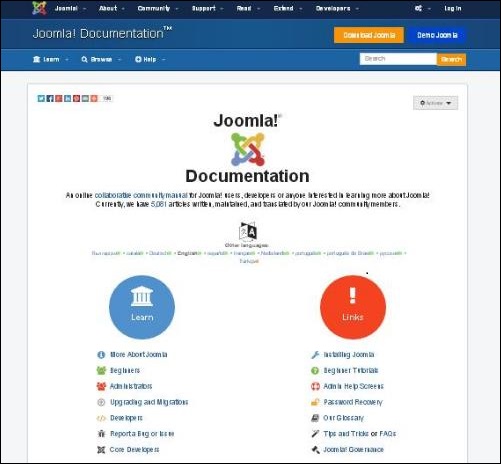
Click Help → Documentation Wiki, a screen as shown below will get displayed.
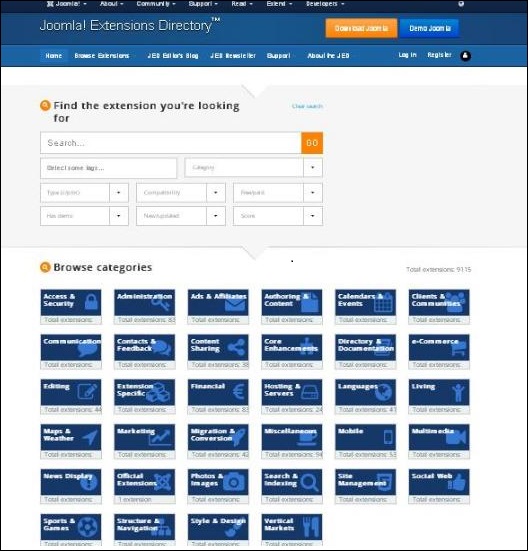
Click Help → Joomla Extensions, a screen as shown below will get displayed.
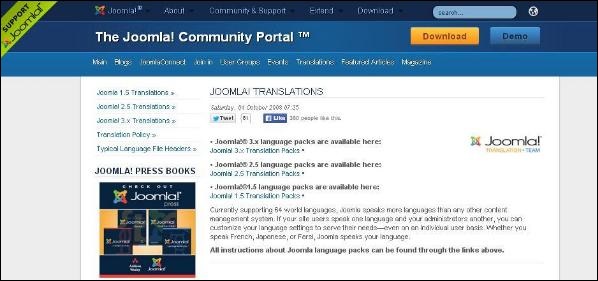
Click Help → Joomla Translations, a screen as shown below will get displayed.
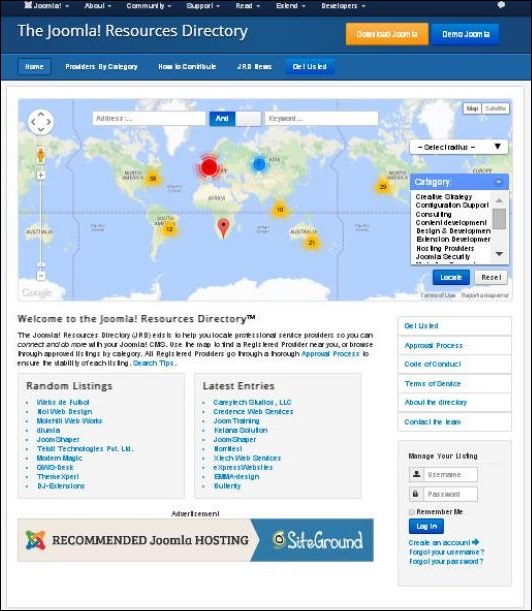
Click Help → Joomla Resources, a screen as shown below will get displayed.
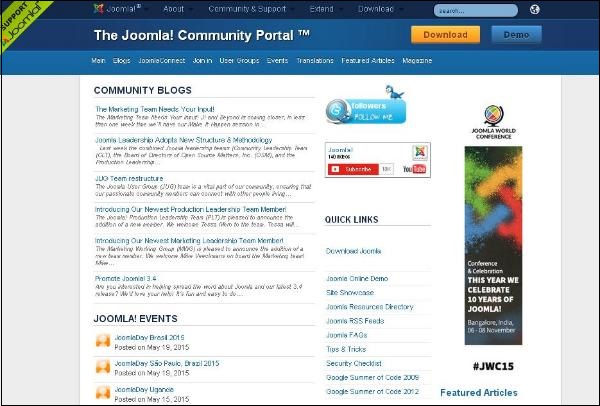
Click Help → Community Portal, a screen as shown below will get displayed.
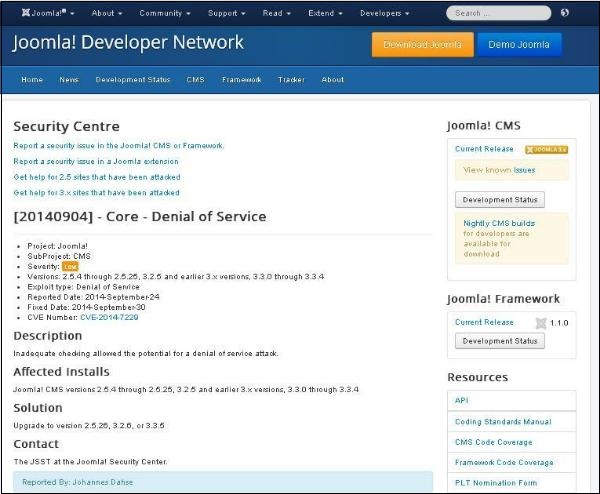
Click Help → Security Center, a screen as shown below will get displayed.
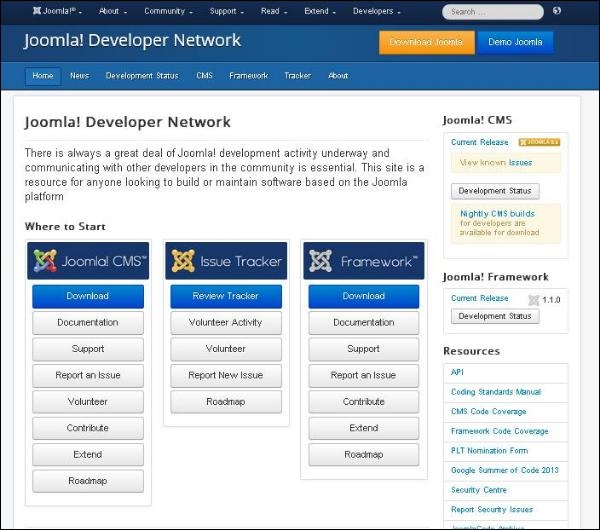
Click Help → Developer Resources, a screen as shown below will get displayed.
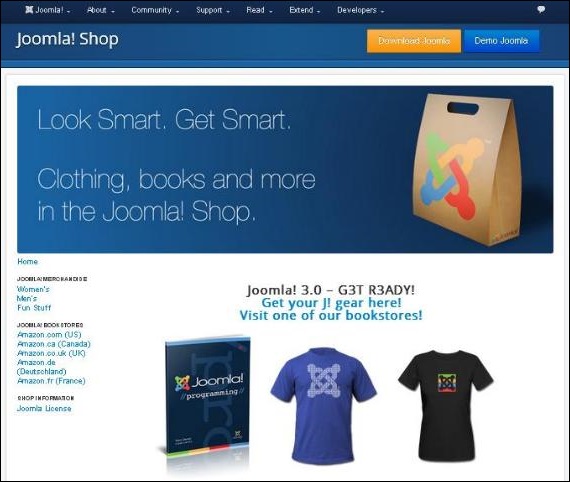
Click Help → Joomla Shop, a screen as shown below will get displayed.
Joomla Help
This Help page guides the user to create Joomla website.Click Help → Joomla Help, a screen as shown below will get displayed.
Official Support Forum
Official Support Forum helps in supporting the exchange of ideas and views officially in Joomla.Click Help → Official Support Forum, a screen as shown below will get displayed.
Documentation Wiki
The Documentation Wiki is used for formatting the content of articles, cross linking pages and creating the documentation of Wiki template by themselves.Click Help → Documentation Wiki, a screen as shown below will get displayed.
Joomla Extensions
Joomla extension extends the functionality of Joomla websites. In this Joomla extension page there are many extensions available to apply on Joomla websites.Click Help → Joomla Extensions, a screen as shown below will get displayed.
Joomla! Translations
Joomla translations help in translation of language in Joomla core files. It helps in documentation and screens along with other tasks to meet the need of diverse language community.Click Help → Joomla Translations, a screen as shown below will get displayed.
Joomla Resources
Joomla Resources help in locating the professional service providers. It helps the users to connect and do many more things in the Joomla CMS.Click Help → Joomla Resources, a screen as shown below will get displayed.
Community Portal
Community Portal helps in bringing Joomla news from all over the world at one place.Click Help → Community Portal, a screen as shown below will get displayed.
Security Center
Security Center helps in providing a public presence for security issues. It helps to detect a problem or service attack.Click Help → Security Center, a screen as shown below will get displayed.
Developer Resources
Developer Resources helps in providing resources for the users who are willing to build or maintain software based on the Joomla platform.Click Help → Developer Resources, a screen as shown below will get displayed.
Joomla Shop
Joomla shop helps the user to shop maximum number of products related to Joomla, when you click on a particular product then you will get the brief description about that product where users can read and buy it.Click Help → Joomla Shop, a screen as shown below will get displayed.


No comments:
Post a Comment