
Another notable feature of Jasmine is before and after each function.
Using these two functionalities, we can execute some pieces of code
before and after execution of each spec. This functionality is very
useful for running the common code in the application. Let us create one
spec file like the following.
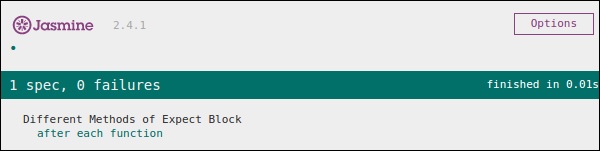 In the above code, 5 will be assigned to a variable currentVal before the execution of the expect block. Hence, it generates a green screenshot with no error.
var currentVal = 0;

beforeEach(function(){
   currentVal = 5;
});

describe("Different Methods of Expect Block",function(){

   it("after each function ", function(){
      expect(currentVal).toEqual(5);
   });

});
Here although we have declared one variable as “0” in the beginning, we are expecting this value should be equal to 5 in the expectation block. The above code will generate the following output.
In the above code, 5 will be assigned to a variable currentVal before the execution of the expect block. Hence, it generates a green screenshot with no error.

No comments:
Post a Comment