
A Koa Response object is an abstraction on top of node's vanilla
response object, providing additional functionality that is useful for
every day HTTP server development. The Koa response object is embeded in
the context object, this. Lets log out the response object whenever we get a request:
 On your console, you'll get the request object logged out:
We have access to many useful properties of the response using this object. Let us look at some examples:
You can read more about the response object in the docs at Response.
var koa = require('koa');
var router = require('koa-router');
var app = koa();

var _ = router();

_.get('/hello', getMessage);

function *getMessage(){
    this.body = 'Your request has been logged.';
    console.log(this.response);
}

app.use(_.routes());

app.listen(3000);
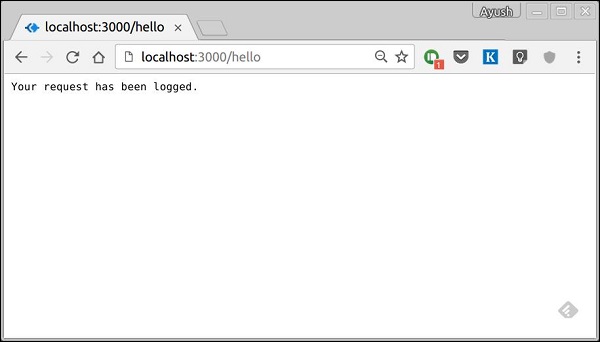
When you run this code and navigate to https://localhost:3000/hello then you'll get the response:
On your console, you'll get the request object logged out: {
status: 200,
message: 'OK',
header: {
'content-type': 'text/plain; charset=utf-8',
'content-length': '12'
},
body: 'Your request has been logged.'
}
The status and message are automatically set by koa but can be
modified by us. If we dont set the resonse body, the status code is set
to 404. Once we set the response body, the status is set to 200 by
default. We can explicitly override this behaviour. We have access to many useful properties of the response using this object. Let us look at some examples:
response.header
Gives us all the response headers.response.status
Gives us the response status(200, 404, 500, etc). This property is also used to set the response status.response.message
Gives us the response message. This property is also used to set custom messages with responses. It is associated with response.status.response.body
Get or set the response body. Usally we access it using the context object. This is just another way to access it. The body could be of the type: String, Buffer, Stream, Object or null.response.type
Get or set the content type of the current response.response.get(field)
This function is used to get the values of headers with case insensitive value field.response.set(field, value)
This function is used to set a header on the response using field and value pair.response.remove(field)
This function is used to unset a header on the response using field name.You can read more about the response object in the docs at Response.


No comments:
Post a Comment