
A Koa Request object is an abstraction on top of node's vanilla
request object, providing additional functionality that is useful for
every day HTTP server development. The Koa request object is embeded in
the context object, this. Lets log out the request object whenever we get a request:
 On your console, you'll get the request object logged out:
You can read more about the request object in the docs at Request.
var koa = require('koa');
var router = require('koa-router');
var app = koa();

var _ = router();

_.get('/hello', getMessage);

function *getMessage(){
    console.log(this.request);
    this.body = 'Your request has been logged.';
}

app.use(_.routes());

app.listen(3000);
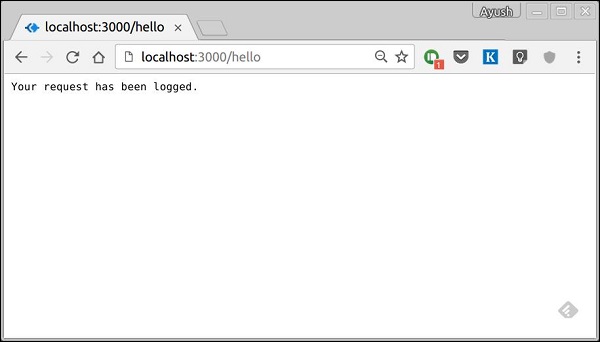
When you run this code and navigate to https://localhost:3000/hello then you'll get the response:
On your console, you'll get the request object logged out: {
method: 'GET',
url: '/hello/',
header:
{
host: 'localhost:3000',
connection: 'keep-alive',
'upgrade-insecure-requests': '1',
'user-agent': 'Mozilla/5.0 (X11; Linux x86_64) AppleWebKit/537.36 (KHTML, like Gecko) Chrome/52.0.2743.116 Safari/537.36',
accept: 'text/html,application/xhtml+xml,application/xml;q=0.9,image/webp,*/*;q=0.8',
dnt: '1',
'accept-encoding': 'gzip, deflate, sdch',
'accept-language': 'en-US,en;q=0.8'
}
}
We have access to many useful properties of the request using this object. Let us look at some examples: request.header
Gives us all the request headers.request.method
Gives us the request method(GET, POST, etc.)request.href
Gives us the full request URL.request.path
Gives us just the path of the request. Without query string and base url.request.query
Gives us the parsed query string. For example if we log this on a request like https://localhost:3000/hello/?name=Ayush&age=20&country=India, then we'll get the following object:{
name: 'Ayush',
age: '20',
country: 'India'
}
request.accepts(type)
This function returns true or false based on whether the requested resources accepts the given request type.You can read more about the request object in the docs at Request.


No comments:
Post a Comment