
In this chapter, we will study about Sass Comments. Comments
are non-executable statements, which are placed in source code. Comments
make source code easier to understand. SASS supports two types of
comments.
 To study about interpolation within multiline comments, click this link.
- Multiline comments − These are written using /* and */. Multiline comments are preserved in CSS output.
- Single line comments − These are written using // followed by comments. Single line comments are not preserved in CSS output.
Example
The following example demonstrates the use of comments in the SCSS file −<html> <head> <title>SASS comments</title> <link rel = "stylesheet" type = "text/css" href="style.css"/> </head> <body> <h1>Welcome to TutorialsPoint</h1> <a href = "http://www.tutorialspoint.com/">TutorialsPoint</a> </body> </html>Next, create file style.scss.
style.scss
/* This comment is
 * more than one line long
 * since it uses the CSS comment syntax,
 * it will appear in the CSS output. */
body { color: black; }

// These comments are in single line
// They will not appear in the CSS output,
// since they use the single-line comment syntax.
a { color: blue; }
You can tell SASS to watch the file and update the CSS whenever SASS file changes, by using the following command −
sass --watch C:\ruby\lib\sass\style.scss:style.cssNext, execute the above command; it will create the style.css file automatically with the following code −
style.css
/* This comment is
 * more than one line long
 * since it uses the CSS comment syntax,
 * it will appear in the CSS output. */
body {
   color: black; }

a {
   color: blue; }
Output
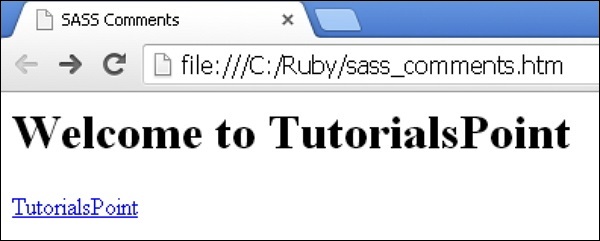
Let us carry out the following steps to see how the above given code works −- Save the above given html code in sass_comments.html file.
- Open this HTML file in a browser, an output is displayed as shown below.
To study about interpolation within multiline comments, click this link.Sass – Interpolation in Multiline Comments
Description
Interpolation within the multiline comments are resolved in the resulting CSS. You can specify variables or property names within the curly braces.Syntax
$var : "value";
/* multiline comments #{$var} */
Example
The following example demonstrates the use of interpolation in multiline comments in the SCSS file −<html> <head> <title>SASS comments</title> <link rel = "stylesheet" type = "text/css" href="style.css"/> </head> <body> <h1>Welcome to TutorialsPoint</h1> <p>This is an example for Interpolation in SASS.</p> </body> </html>Next, create file style.scss.
style.css
/* Framework version for the generated CSS is 7.8. */
Output
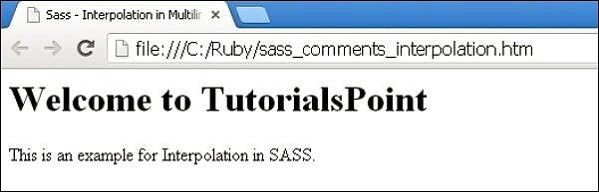
Let us carry out the following steps to see how the above given code works −- Save the above given html code in sass_comments_interpolation.htm file.
- Open this HTML file in a browser, an output is displayed as shown below.


No comments:
Post a Comment