
We can now define routes, but those are static or fixed. To use
dynamic routes, we need to provide different types of routes. Using
dynamic routes allows us to pass parameters and process based on them.
Here is an example of a dynamic route:
 You can replace '123' in the url with anything else and it'll be
reflected in the response. A more complex example of the above is:
You can replace '123' in the url with anything else and it'll be
reflected in the response. A more complex example of the above is:
 You can use the this.params object to access all the
parameters you pass in the url. Note that the above 2 are different
paths. They will never overlap. Also if you want to execute code when
you get '/things' then you need to define it separately.
You can use the this.params object to access all the
parameters you pass in the url. Note that the above 2 are different
paths. They will never overlap. Also if you want to execute code when
you get '/things' then you need to define it separately.
For example, if we define the same routes as above, on requesting with an valid URL, we get:
var koa = require('koa');
var router = require('koa-router');
var app = koa();

var _ = router();

_.get('/:id', sendID);

function *sendID(){
    this.body = 'The id you specified is ' + this.params.id;
}

app.use(_.routes());

app.listen(3000);
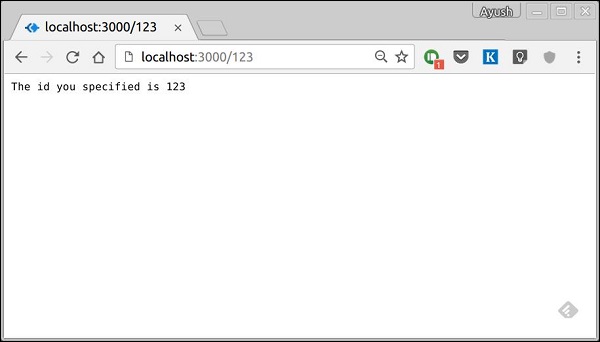
To test this go to https://localhost:3000/123. You should get the response as
You can replace '123' in the url with anything else and it'll be
reflected in the response. A more complex example of the above is:
var koa = require('koa');
var router = require('koa-router');
var app = koa();

var _ = router();

_.get('/things/:name/:id', sendIdAndName);

function *sendIdAndName(){
    this.body = 'id: ' + this.params.id + ' and name: ' + this.params.name;
};

app.use(_.routes());

app.listen(3000);
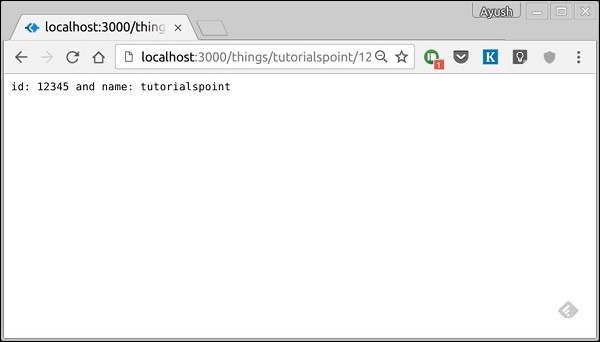
To test this go to https://localhost:3000/things/tutorialspoint/12345.
You can use the this.params object to access all the
parameters you pass in the url. Note that the above 2 are different
paths. They will never overlap. Also if you want to execute code when
you get '/things' then you need to define it separately. Pattern matched routes
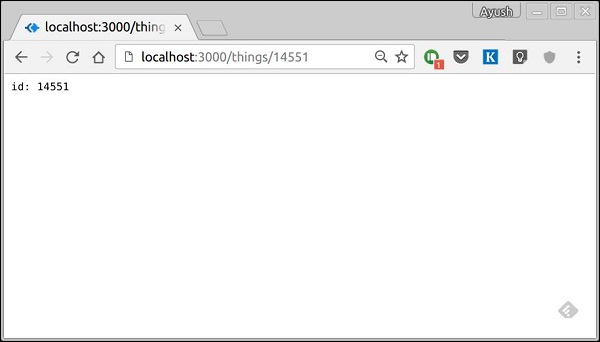
You can also use regex to restrict URL parameter matching. Let's say you need the id to be 5 digits long number. You can use the following route definition:var koa = require('koa'); var router = require('koa-router'); var app = koa(); var _ = router(); _.get('/things/:id([0-9]{5})', sendID); function *sendID(){ this.body = 'id: ' + this.params.id; } app.use(_.routes()); app.listen(3000);Note that this will only match the requests that have a 5 digit long id. You can use more complex regexes to match/validate your routes. If none of your routes match the request, you'll get a Not found message as response.
For example, if we define the same routes as above, on requesting with an valid URL, we get:


No comments:
Post a Comment