
So we have set up the development, now it is time to start developing our first app using koa. Create a new file called app.js and type the following in it.
app.use(function) - This function is a middleware which gets called whenever our server gets a request. We'll learn more about middlewares in coming chapters. The callback function is a generator which we'll see in the next chapter. The context of this generator is called context in koa. This context is used to access and modify the request and response objects. We are setting the body of this response to be Hello world!.
app.listen(port, function) - This function binds and listens for connections on the specified port. Port is the only required parameter here. The callback function is executed if the app successfully runs.
var koa = require('koa');
var app = koa();

app.use(function* (){
    this.body = 'Hello world!';
});

app.listen(3000, function(){
    console.log('Server running on https://localhost:3000')
});
Save the file, go to your terminal and type
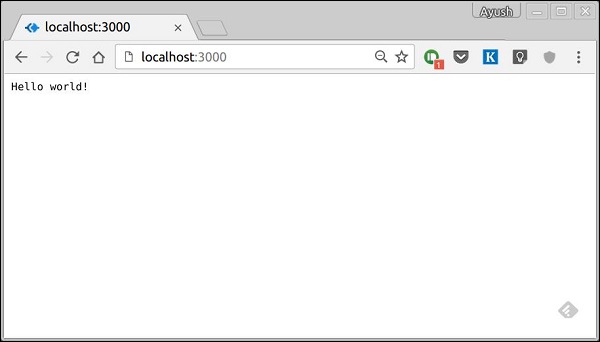
$ nodemon app.jsThis will start the server. To test this app, open your browser and go to https://localhost:3000 and you should get the message,
How this app works?
The first line imports koa in our file, we have access to its API through the variable koa. We use it to create an application and assign it to var app.app.use(function) - This function is a middleware which gets called whenever our server gets a request. We'll learn more about middlewares in coming chapters. The callback function is a generator which we'll see in the next chapter. The context of this generator is called context in koa. This context is used to access and modify the request and response objects. We are setting the body of this response to be Hello world!.
app.listen(port, function) - This function binds and listens for connections on the specified port. Port is the only required parameter here. The callback function is executed if the app successfully runs.


No comments:
Post a Comment