
Session allows us to manage unique users across requests and stores
data for specific users. Session data can be accessible anywhere
anyplace where you have access to request object, i.e., sessions are
accessible from controllers, views, helpers, cells, and components.
src/Controller/SessionsController.php
src/Template/Sessions/write_session_data.ctp
src/Template/Sessions/retrieve_session_data.ctp
src/Template/Sessions/check_session_data.ctp
src/Template/Sessions/delete_session_data.ctp
src/Template/Sessions/destroy_session_data.ctp
http://localhost:85/CakePHP/session-write
 Visit the following URL to read session data − http://localhost:85/CakePHP/session-read
 Visit the following URL to check session data − http://localhost:85/CakePHP/sessioncheck
 Visit the following URL to delete session data − http://localhost:85/CakePHP/sessiondelete
 Visit the following URL to destroy session data − http://localhost:85/CakePHP/sessiondestroy
Accessing Session Object
Session object can be created by executing the following code.$session = $this->request->session();
Writing Session Data
To write something in session, we can use the write() session method.Session::write($key, $value)The above method will take two arguments, the value and the key under which the value will be stored.
Example
$session->write('name', 'Virat Gandhi');
Reading Session Data
To retrieve stored data from session, we can use the read() session method.Session::read($key)The above function will take only one argument that is the key of the value which was used at the time of writing session data. Once the correct key was provided then the function will return its value.
Example
$session->read('name');
When you want to check whether particular data exists in the session or not, then you can use the check() session method.Session::check($key)The above function will take only key as the argument.
Example
if ($session->check('name')) {
   // name exists and is not null.
}
Delete Session Data
To delete data from session, we can use the delete() session method to delete the data.Session::delete($key)The above function will take only key of the value to be deleted from session.
Example
$session->delete('name');
When you want to read and then delete data from session then, we can use the consume() session method.static Session::consume($key)The above function will take only key as argument.
Example
$session->consume('name');
Destroying a Session
We need to destroy a user session when the user logs out from the site and to destroy the session the destroy() method is used.Session::destroy()
Example
$session->destroy();Destroying session will remove all session data from server but will not remove session cookie.
Renew a Session
In a situation where you want to renew user session then we can use the renew() session method.Session::renew()
Example
$session->renew();
Complete Session
Make changes in the config/routes.php file as shown in the following program.config/routes.php
<?php
   use Cake\Core\Plugin;
   use Cake\Routing\RouteBuilder;
   use Cake\Routing\Router;

   Router::defaultRouteClass('DashedRoute');
   Router::scope('/', function (RouteBuilder $routes) {
      $routes->connect('/sessionobject',
         ['controller'=>'Sessions','action'=>'index']);
      $routes->connect('/sessionread',
         ['controller'=>'Sessions','action'=>'retrieve_session_data']);
      $routes->connect('/sessionwrite',
         ['controller'=>'Sessions','action'=>'write_session_data']);
      $routes->connect('/sessioncheck',
         ['controller'=>'Sessions','action'=>'check_session_data']);
      $routes->connect('/sessiondelete',
         ['controller'=>'Sessions','action'=>'delete_session_data']);
      $routes->connect('/sessiondestroy',
         ['controller'=>'Sessions','action'=>'destroy_session_data']);
      $routes->fallbacks('DashedRoute');
   });
   Plugin::routes();
Create a SessionsController.php file at src/Controller/SessionsController.php. Copy the following code in the controller file.
src/Controller/SessionsController.php
<?php
   namespace App\Controller;
   use App\Controller\AppController;

   class SessionsController extends AppController{
      public function retrieveSessionData(){
         //create session object
         $session = $this->request->session();

         //read data from session
         $name = $session->read('name');
         $this->set('name',$name);
      }
      public function writeSessionData(){
         //create session object
         $session = $this->request->session();

         //write data in session
         $session->write('name','Virat Gandhi');
      }
      public function checkSessionData(){
         //create session object
         $session = $this->request->session();

         //check session data
         $name = $session->check('name');
         $address = $session->check('address');
         $this->set('name',$name);
         $this->set('address',$address);
      }
      public function deleteSessionData(){
         //create session object
         $session = $this->request->session();

         //delete session data
         $session->delete('name');
      }
      public function destroySessionData(){
         //create session object
         $session = $this->request->session();

         //destroy session
         $session->destroy();
      }
   }
?>
Create a directory Sessions at src/Template and under that directory create a View file called write_session_data.ctp. Copy the following code in that file.
src/Template/Sessions/write_session_data.ctp
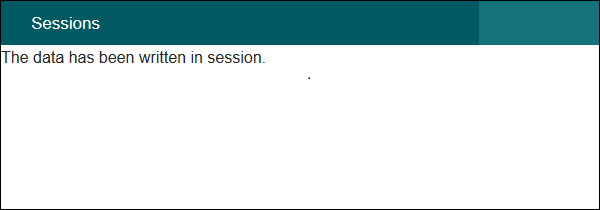
The data has been written in session.Create another View file called retrieve_session_data.ctp under the same Sessions directory and copy the following code in that file.
src/Template/Sessions/retrieve_session_data.ctp
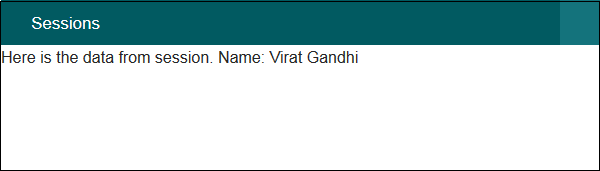
Here is the data from session.
Name: <?=$name;?>
Create another View file called check_session_data.ctp under the same Sessions directory and copy the following code in that file.
src/Template/Sessions/check_session_data.ctp
<?php if($name): ?>
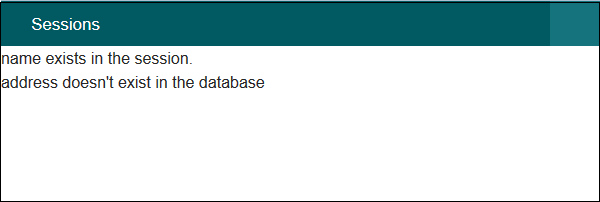
name exists in the session.

<?php else: ?>
name doesn't exist in the database

<?php endif;?>
<?php if($address): ?>
address exists in the session.

<?php else: ?>
address doesn't exist in the database

<?php endif;?>
Create another filbe View called delete_session_data.ctp under the same Sessions directory and copy the following code in that file.
src/Template/Sessions/delete_session_data.ctp
Data deleted from session.Create another View file called destroy_session_data.ctp under the same Sessions directory and copy the following code in that file.
src/Template/Sessions/destroy_session_data.ctp
Session Destroyed.
Output
Execute the above example by visiting the following URL. This URL will help you write data in session.http://localhost:85/CakePHP/session-write
Visit the following URL to read session data − http://localhost:85/CakePHP/session-read
Visit the following URL to check session data − http://localhost:85/CakePHP/sessioncheck
Visit the following URL to delete session data − http://localhost:85/CakePHP/sessiondelete
Visit the following URL to destroy session data − http://localhost:85/CakePHP/sessiondestroy

No comments:
Post a Comment