
Web frameworks provide resources such as HTML pages, scripts, images,
etc. at different routes. The following function signature is used to
define routes in an express application:
app.METHOD(PATH, HANDLER)
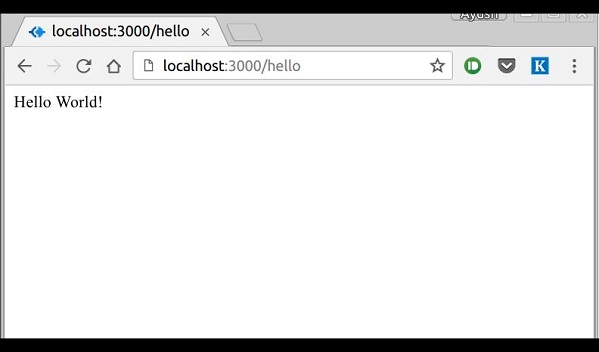
If we run our application and go to localhost:3000/hello, the server receives a get request at route "/hello", our express app executes the callback function attached to this route and sends "Hello World!" as the response.
 We can also have multiple different methods at the same route. For example,
 A special method, all, is provided by express to handle
all types of http methods at a particular route using the same
function. To use this method, try the following:
A special method, all, is provided by express to handle
all types of http methods at a particular route using the same
function. To use this method, try the following:
 Routers are very helpful in seperating out concerns and keep relevent
portions of our code together. They help in building maintainable code.
You should define your routes relating to an entity in a single file
and include it using above method in your index.js file.
Routers are very helpful in seperating out concerns and keep relevent
portions of our code together. They help in building maintainable code.
You should define your routes relating to an entity in a single file
and include it using above method in your index.js file.
app.METHOD(PATH, HANDLER)
- METHOD is any one of the HTTP verbs(get, set, put, delete). An alternate method called all exists that executes independent of the request type.
- Path is the route at which the request will run.
- Handler is a callback function that executes when a matching request type is found on the relevant route.
var express = require('express');
var app = express();

app.get('/hello', function(req, res){
 res.send("Hello World!");
});

app.listen(3000);
If we run our application and go to localhost:3000/hello, the server receives a get request at route "/hello", our express app executes the callback function attached to this route and sends "Hello World!" as the response.
We can also have multiple different methods at the same route. For example,
var express = require('express');
var app = express();

app.get('/hello', function(req, res){
 res.send("Hello World!");
});

app.post('/hello', function(req, res){
 res.send("You just called the post method at '/hello'!\n");
});

app.listen(3000);
To test this request, open up your terminal and use cURL to execute the following request
curl -X POST "http://localhost:3000/hello"
A special method, all, is provided by express to handle
all types of http methods at a particular route using the same
function. To use this method, try the following:app.all('/test', function(req, res){ res.send("HTTP method doesn't have any effect on this route!"); });This method is generally used for defining middleware, which we'll discuss in the middleware chapter.
Routers
Defining routes like above is very tedious to maintain. To separate out routes from our main index.js file, we'll use express.Router. Create a new file called things.js and type the following in it.var express = require('express'); var router = express.Router(); router.get('/', function(req, res){ res.send('GET route on things.'); }); router.post('/', function(req, res){ res.send('POST route on things.'); }); //export this router to use in our index.js module.exports = router;Now to use this router in our index.js, type in the following before the app.listen function call.
var express = require('express');
var app = express();

var things = require('./things.js');
//both index.js and things.js should be in same directory
app.use('/things', things);

app.listen(3000);
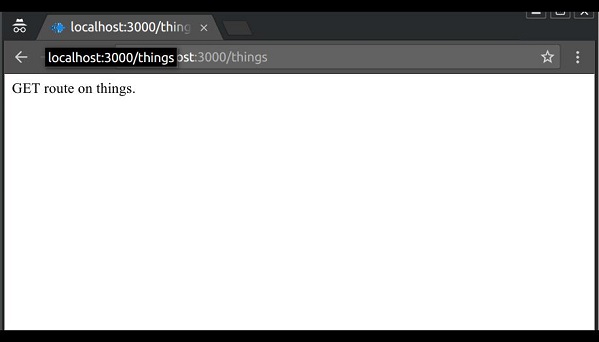
The app.use function call on route '/things' attaches the things router with this route. Now whatever requests our app gets at the '/things', will be handled by our things.js router. The '/' route in things.js is actually a subroute of '/things'. So if you visit localhost:3000/things/ -
Routers are very helpful in seperating out concerns and keep relevent
portions of our code together. They help in building maintainable code.
You should define your routes relating to an entity in a single file
and include it using above method in your index.js file.

No comments:
Post a Comment