
We can upload posts on our Google+ profile easily and share it with
people in our communities/circles or others who we want to share it
with. When we share our post, it is visible on the receiver’s news feed.
The post also appears on our profile page and people can comment, like,
or share the post. We can also tag people to our post using “+ and
their name.
Let’s go step by step and learn how we can upload a post in Google+.
Step 1 − Open your Google+ account.
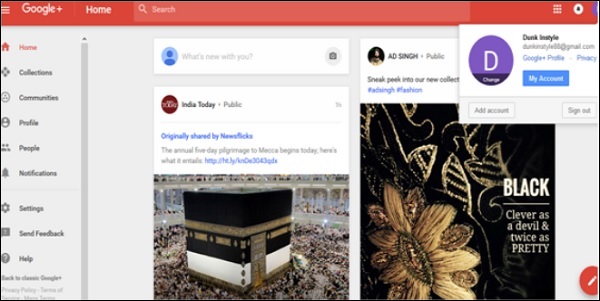 Step 2 − On the profile page “what’s new with you?” will appear. Click it.
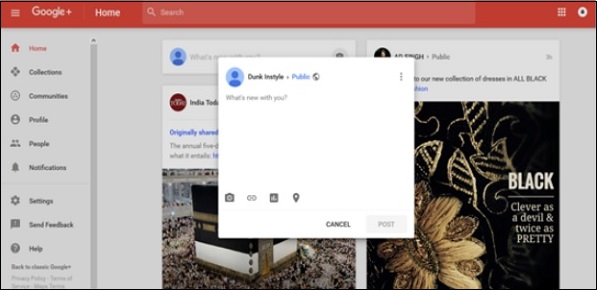 Step 3 − Write the post. We can also copy paste the content.
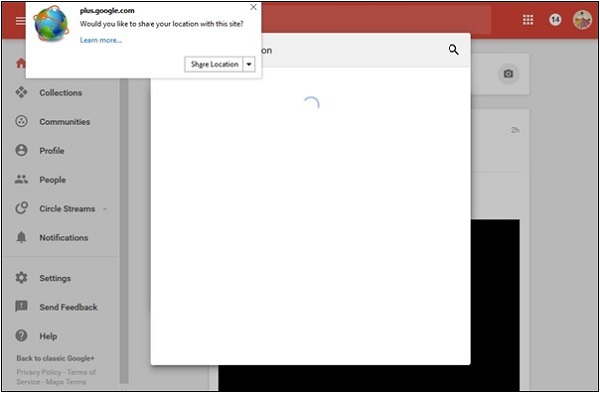
Step 4 − Tag anyone if desired. Add the location if needed.
 Step 5 − Select whether the post should be public or private.
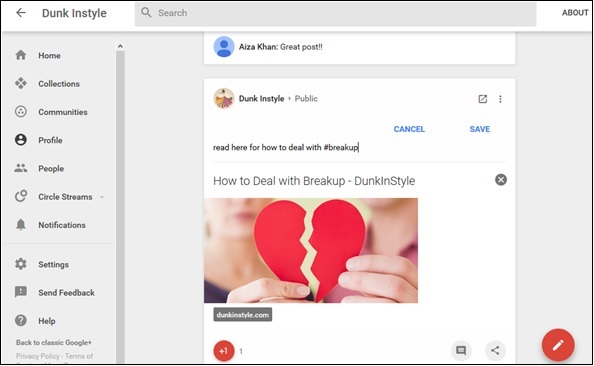
 Step 6 − Once done, click the ‘Post’ option. The post appears
on our page as well as on the profile page of the persons tagged to the
post.
Step 6 − Once done, click the ‘Post’ option. The post appears
on our page as well as on the profile page of the persons tagged to the
post.
Let’s go step by step and learn how we can upload a post in Google+.
Step 1 − Open your Google+ account.
Step 2 − On the profile page “what’s new with you?” will appear. Click it.
Step 3 − Write the post. We can also copy paste the content.Step 4 − Tag anyone if desired. Add the location if needed.
Step 5 − Select whether the post should be public or private.
Step 6 − Once done, click the ‘Post’ option. The post appears
on our page as well as on the profile page of the persons tagged to the
post.

No comments:
Post a Comment