
You can merge multiple presentations using the importContent() method of the XMLSlideShow class. Given below is the complete program to merge two presentations:
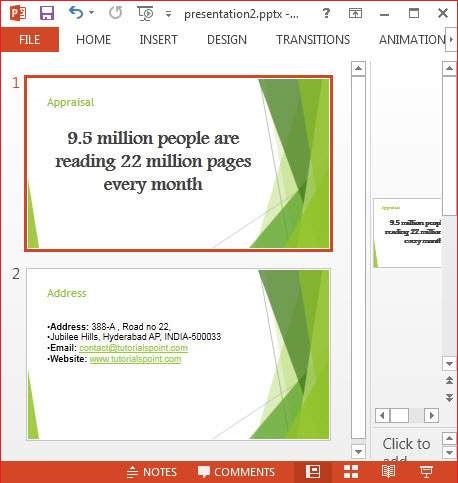
 The following snapshot shows the second presentation:
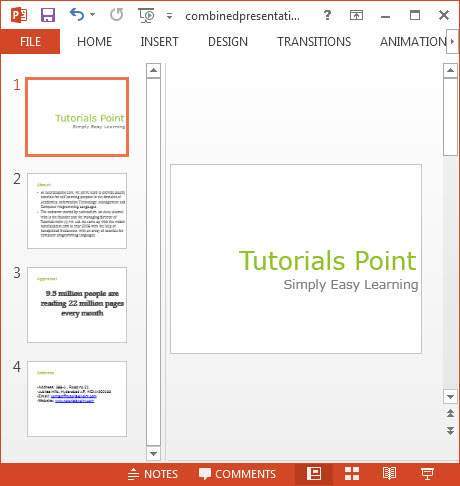
 Given below is the output of the program after merging the two
slides. Here you can see the content of the earlier slides merged
together.
Given below is the output of the program after merging the two
slides. Here you can see the content of the earlier slides merged
together.
import java.io.FileInputStream;
import java.io.FileOutputStream;
import java.io.IOException;

import org.apache.poi.xslf.usermodel.XMLSlideShow;
import org.apache.poi.xslf.usermodel.XSLFSlide;

public class MergingMultiplePresentations {

      public static void main(String args[]) throws IOException{

      //creating empty presentation
      XMLSlideShow ppt = new XMLSlideShow();

      //taking the two presentations that are to be merged
      String file1 = "presentation1.pptx";
      String file2 = "presentation2.pptx";
      String[] inputs = {file1, file2};

      for(String arg : inputs){

         FileInputStream inputstream = new FileInputStream(arg);
         XMLSlideShow src = new XMLSlideShow(inputstream);

         for(XSLFSlide srcSlide : src.getSlides()){

            //merging the contents
            ppt.createSlide().importContent(srcSlide);
         }
      }

      String file3 = "combinedpresentation.pptx";

      //creating the file object
      FileOutputStream out = new FileOutputStream(file3);

      // saving the changes to a file
      ppt.write(out);
      System.out.println("Merging done successfully");
      out.close();
   }
}
Save the above code as MergingMultiplePresentations.java, and then compile and execute it from the command prompt as follows:
$javac MergingMultiplePresentations.java
$java MergingMultiplePresentations
It will compile and execute to generate the following output:
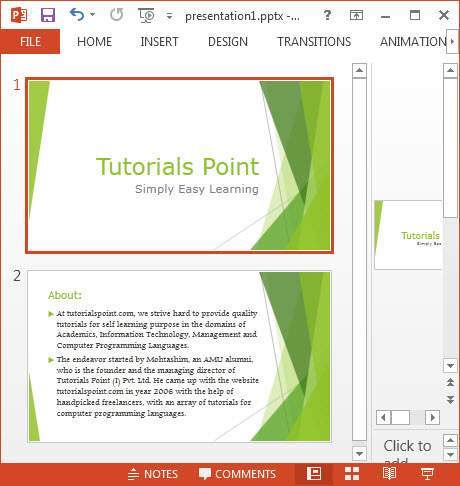
Merging done successfullyThe following snapshot shows the first presentation:
The following snapshot shows the second presentation:
Given below is the output of the program after merging the two
slides. Here you can see the content of the earlier slides merged
together.

No comments:
Post a Comment