
Given below is the program to extract content and metadata from a .class file.
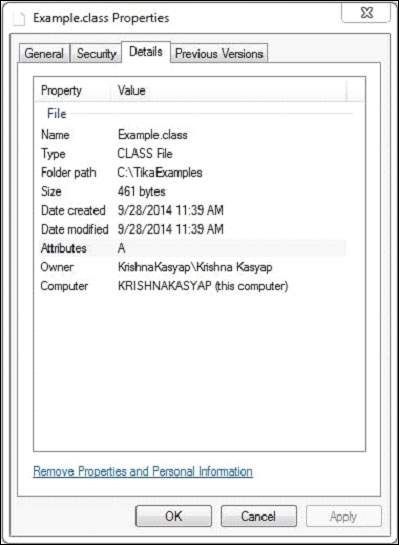
 And this .class file has the following properties:
 After executing the above program you will get the following output.
Output:
import java.io.File;
import java.io.FileInputStream;
import java.io.IOException;

import org.apache.tika.exception.TikaException;
import org.apache.tika.metadata.Metadata;
import org.apache.tika.parser.ParseContext;
import org.apache.tika.parser.asm.ClassParser;
import org.apache.tika.sax.BodyContentHandler;

import org.xml.sax.SAXException;

public class JavaClassParse {

   public static void main(final String[] args) throws IOException,SAXException, TikaException {

      //detecting the file type
      BodyContentHandler handler = new BodyContentHandler();
      Metadata metadata = new Metadata();
      FileInputStream inputstream = new FileInputStream(new File("Example.class"));
      ParseContext pcontext = new ParseContext();

      //Html parser
      ClassParser  ClassParser = new  ClassParser();
      ClassParser.parse(inputstream, handler, metadata,pcontext);
      System.out.println("Contents of the document:" + handler.toString());
      System.out.println("Metadata of the document:");
      String[] metadataNames = metadata.names();

      for(String name : metadataNames) {
         System.out.println(name + " :  " + metadata.get(name));
      }
   }
}
Save the above code as JavaClassParse.java, and compile it from the command prompt by using the following commands:
javac JavaClassParse.java
java JavaClassParse
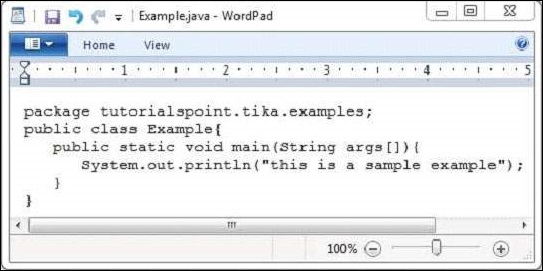
Below given is snapshot of Example.java on compiling this you will get example.class file:
And this .class file has the following properties:
After executing the above program you will get the following output.Output:
Contents of the document:
package tutorialspoint.tika.examples;
public synchronized class Example {
   public void Example();
   public static void main(String[]);
}

Metadata of the document:
title: Example
resourceName: Example.class
dc:title: Example


No comments:
Post a Comment