
Clojure - Overview
Clojure is a high level, dynamic functional programming language. Clojure is designed based on the LISP programming language and has compilers which makes it run on both Java and .Net runtime environment.Before we talk about Clojure, let’s just have a quick description of LISP programming language. LISPs have a tiny language core, almost no syntax, and a powerful macro facility. With these features, you can bend LISP to meet your design, instead of the other way around. LISP has been there for a long time dating back to 1958.
Common LISP reads in an expression, evaluates it, and then prints out the result. For example, if you want to compute the value of a simple mathematical expression of 4+6 then you type in.
USER(1) (+ 4 6)Clojure has the following high-level key objectives as a programming language.
- It is based on the LISP programming language which makes its code statements smaller than traditional programming languages.
- It is a functional programming language.
- It focuses on immutability which is basically the concept that you should not make any changes to objects which are created in place.
- It can manage the state of an application for the programmer.
- It supports concurrency.
- It embraces existing programming languages. For example, Clojure can make use of the entire Java ecosystem for management of the running of the code via the JVM.
Clojure - Environment
There are a variety of ways to work with Clojure as a programming language. We will look at two ways to work with Clojure programming.Try it Option Online
We have set up the Clojure Programming environment on-line, so that you can compile and execute all the available examples on line. It gives you confidence in what you are reading and enables you to verify the programs with different options. Feel free to modify any example and execute it on-line.
Try the following example using our on-line compiler available at CodingGround.
(ns clojure.examples.hello
   (:gen-class))

(defn hello-world [username]
   (println (format "Hello, %s" username)))

(hello-world "world")
For most of the examples given in this tutorial, you will find a Try it option in our website code sections at the top right corner that will take you to the online compiler. So just make use of it and enjoy your learning.
- Leiningen − Leiningen is an essential tool to create, build, and automate Clojure projects.
- Eclipse Plugin − There is a plugin called CounterClockwise, which is available for Eclipse for carrying out Clojure development in the Eclipse IDE.
Leiningen Installation
Ensure the following System requirements are met before proceeding with the installation.System Requirements
| JDK | JDK 1.7 or above |
| Memory | 2 GB RAM (recommended) |
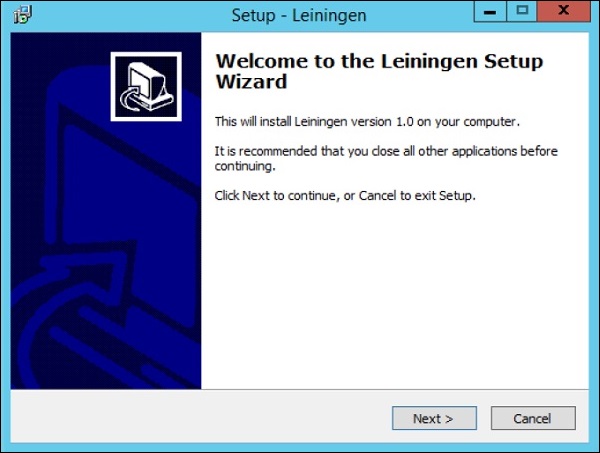
Step 2 − Launch the Installer and click the Next button.
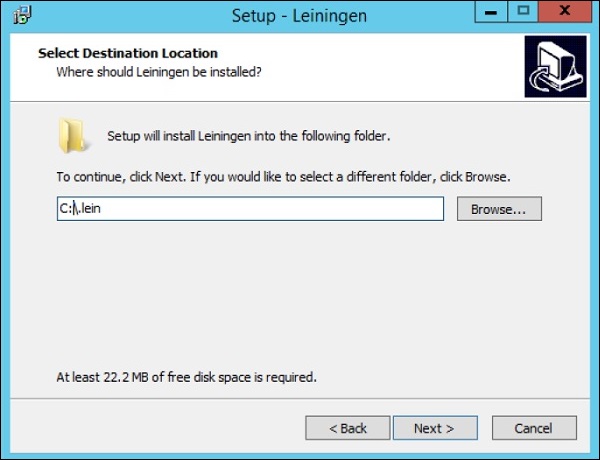
 Step 3 Specify the location for the installation and click the Next button.
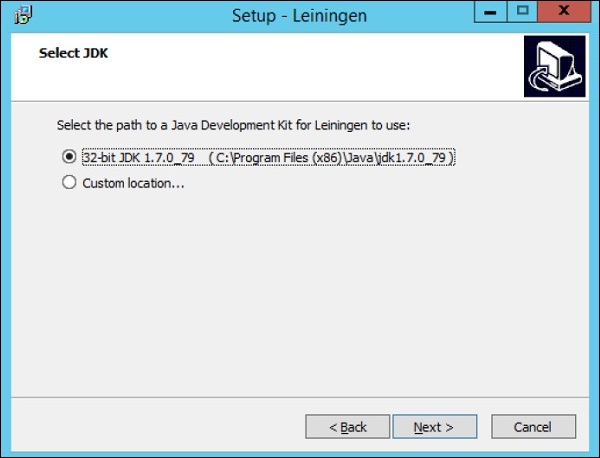
 Step 4 − The setup will detect the location of an existing Java installation. Click the Next button to proceed.
 Step 5 − Click the Install button to begin the installation.
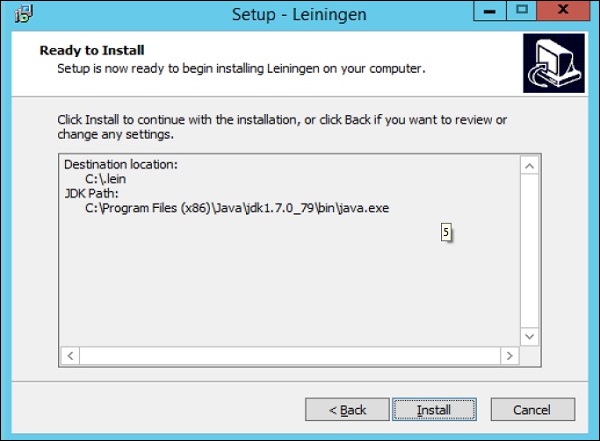 After the installation is complete, it will give you the option to open a Clojure REPL, which is an environment that can be used to create and test your Clojure programs.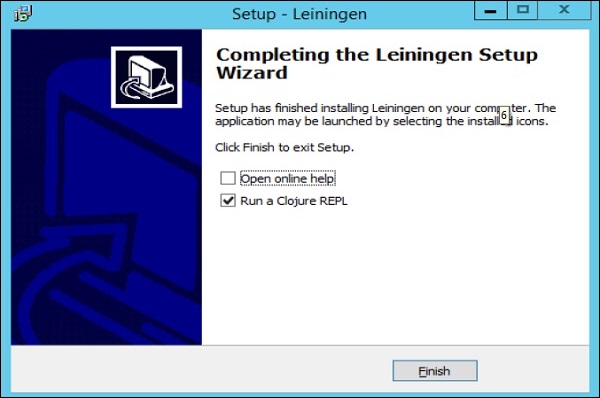


No comments:
Post a Comment